Getting started
Sign in to your account
Use your username or company name to open your dashboard.
For: Everyone
Start here: Login
Public website → Log in
Each section below names the page or dialog to use. Move to the next page only when the instructions say to.
Step-by-step instructions
Page / dialog · Steps 1–2
Login
Where to go: Public website → Log in
Open Login →- Step 1.
Open Login.
- Step 2.
Enter your individual username or company name, followed by your password.
Relevant page screenshot
Example page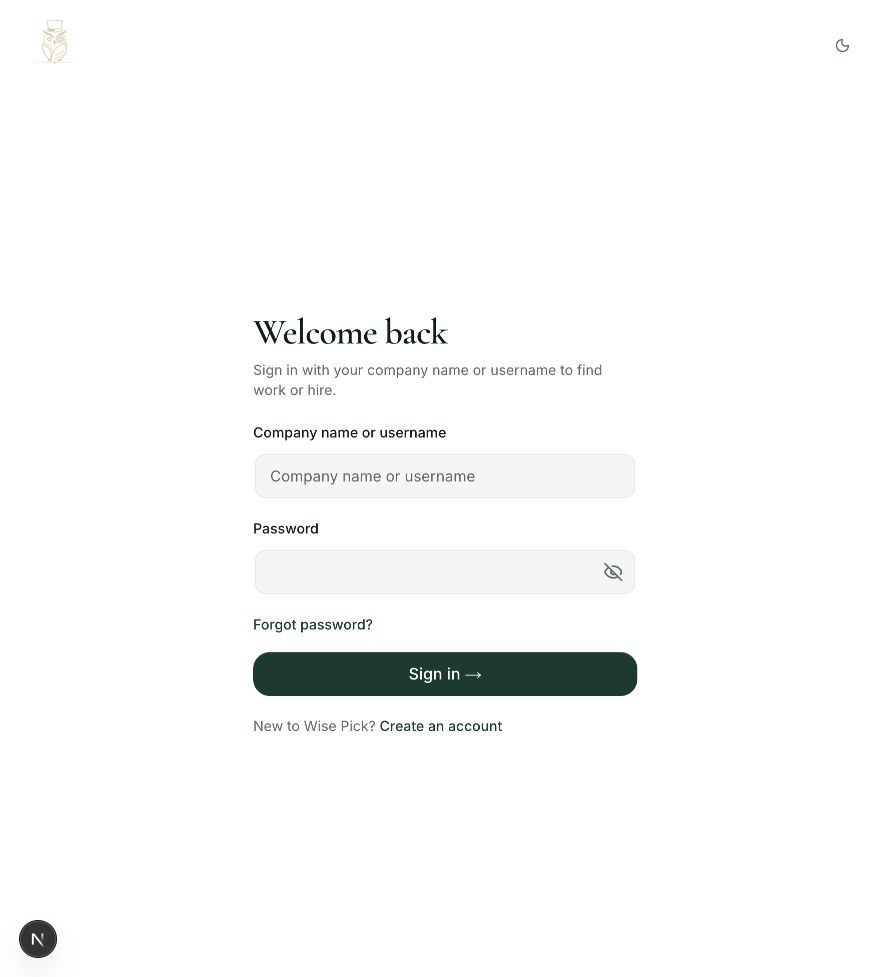
Login
Steps 1, 2 in this section. Where to find it: Public website → Log in. This is an example of this page, not an additional task. Use the written instructions for the exact controls and the current details in your account.
This screenshot illustrates the named page and steps above. Example names and values may differ from your account. Follow the written instructions, especially for payments.
Screenshot 1 of 1: Login
Page / dialog · Step 3
Overview
Where to go: Side menu → Overview
Open Overview →- Step 3.
Select the sign-in button. Your dashboard opens after a successful login.
Page / dialog · Step 4
Login
Where to go: Public website → Log in
Open Login →- Step 4.
If you forgot your password, use the password recovery option and check the email associated with your account.
Good to know
Your email address is used for verification and recovery. Use your username or company name in the regular login form.